Guide
How to Use the PSA Method Calculator
The PSA Method Calculator is not a one-click sensitivity converter. It works by using your own in-game feedback, one round at a time.
The most important rule is simple: do not click through the calculator without testing in your game. For each round, the calculator gives you a lower and higher sensitivity value. Test both values in-game, return to the calculator, then choose the one that feels easier to control.
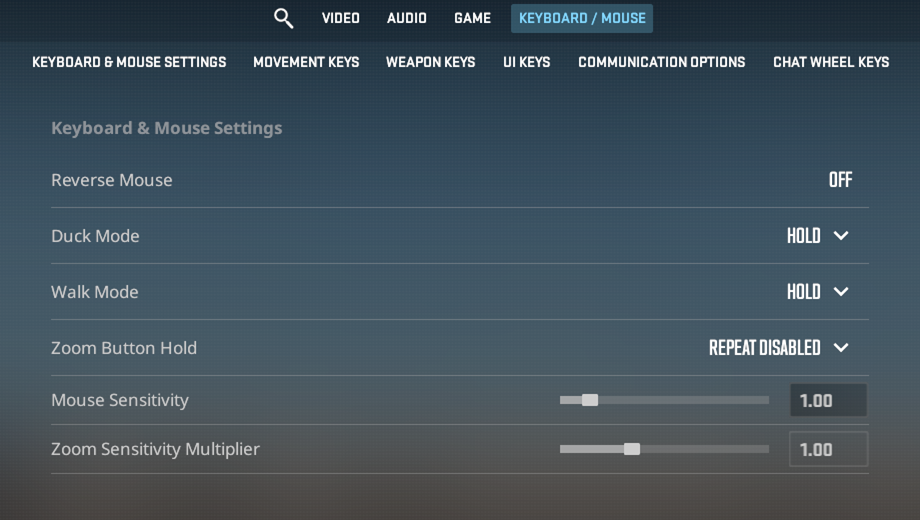
Step 1: Enter your current sensitivity
Open the calculator and enter the sensitivity you already use in your game. In this example, the starting CS2 sensitivity is 1.00. Keep your DPI and mouse setup the same while you test.
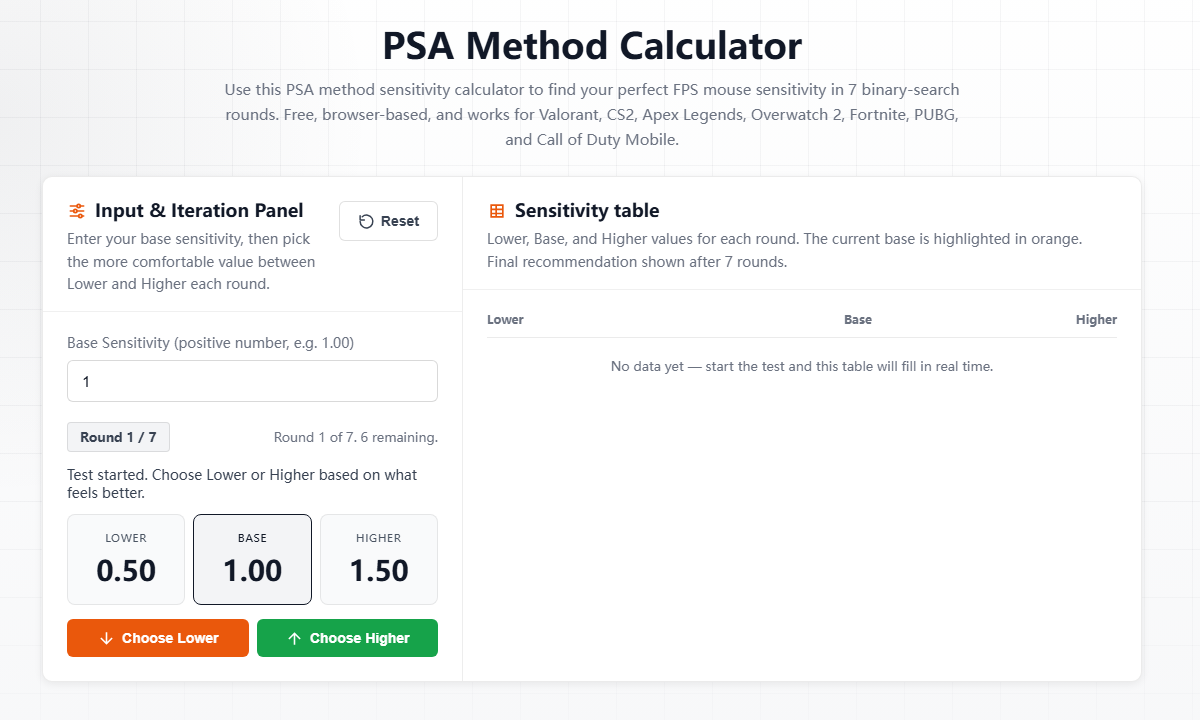
Step 2: Test Lower and Higher in-game
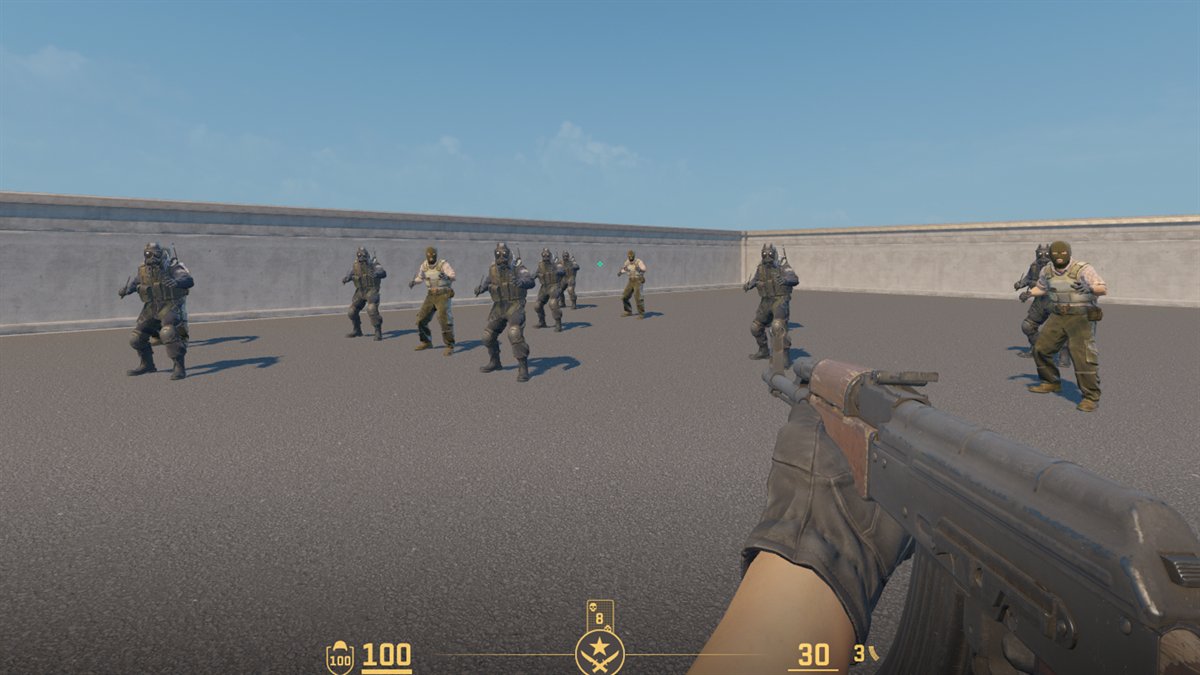
Copy the lower value into your game and test it in the same practice environment. Then copy the higher value and test again. Try not to judge by one lucky shot. Pay attention to tracking, flicks, micro-adjustments, and whether you overshoot the target.
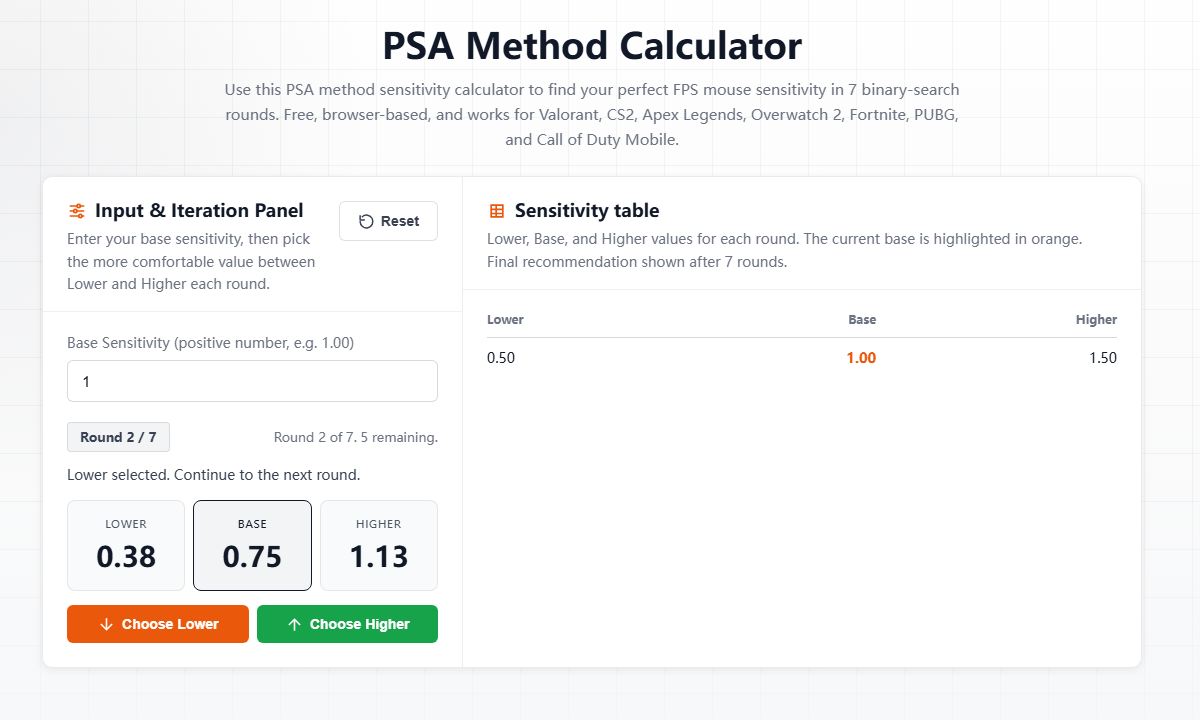
Step 3: Return to the calculator and choose
After testing both values, return to the calculator. If the lower value felt more stable, choose Lower. If the higher value felt more natural, choose Higher. The calculator then creates the next round.
Example: a 7-round sensitivity test
Here is a real example starting from 1.00. Each choice was made after testing the suggested values in-game.
| Round | Choice after in-game testing | Resulting base sensitivity |
|---|---|---|
| Start | Current CS2 sensitivity | 1.00 |
| 1 | Lower | 0.75 |
| 2 | Higher | 0.94 |
| 3 | Higher | 1.13 |
| 4 | Lower | 0.96 |
| 5 | Higher | 1.05 |
| 6 | Higher | 1.10 |
| 7 | Lower | 1.08 final |
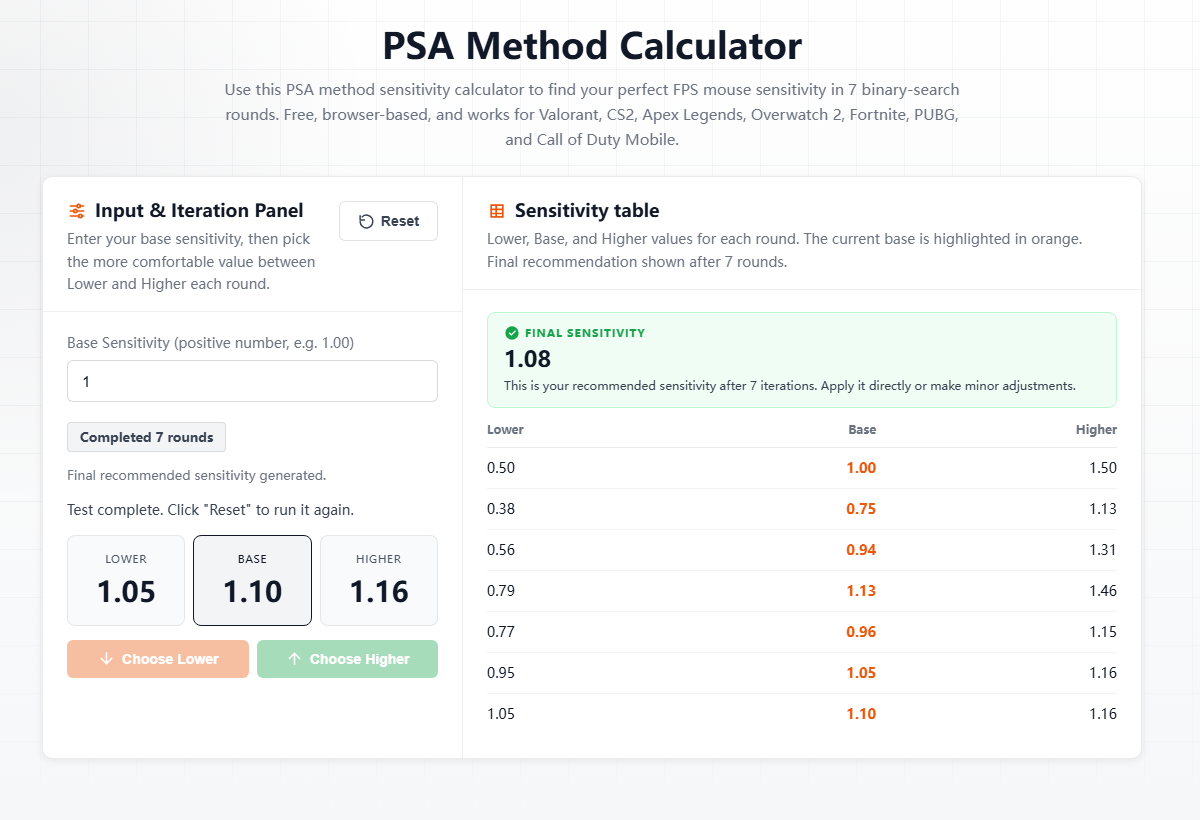
What to do with the final value
Use the final sensitivity for a few matches or practice sessions before changing it again. The goal is not to chase a perfect number every day. The goal is to find a value that feels controlled, repeatable, and comfortable under real aiming conditions.
The final value is based on your own in-game testing, not a random formula. The calculator only works properly when each round is tested before you choose Lower or Higher.